
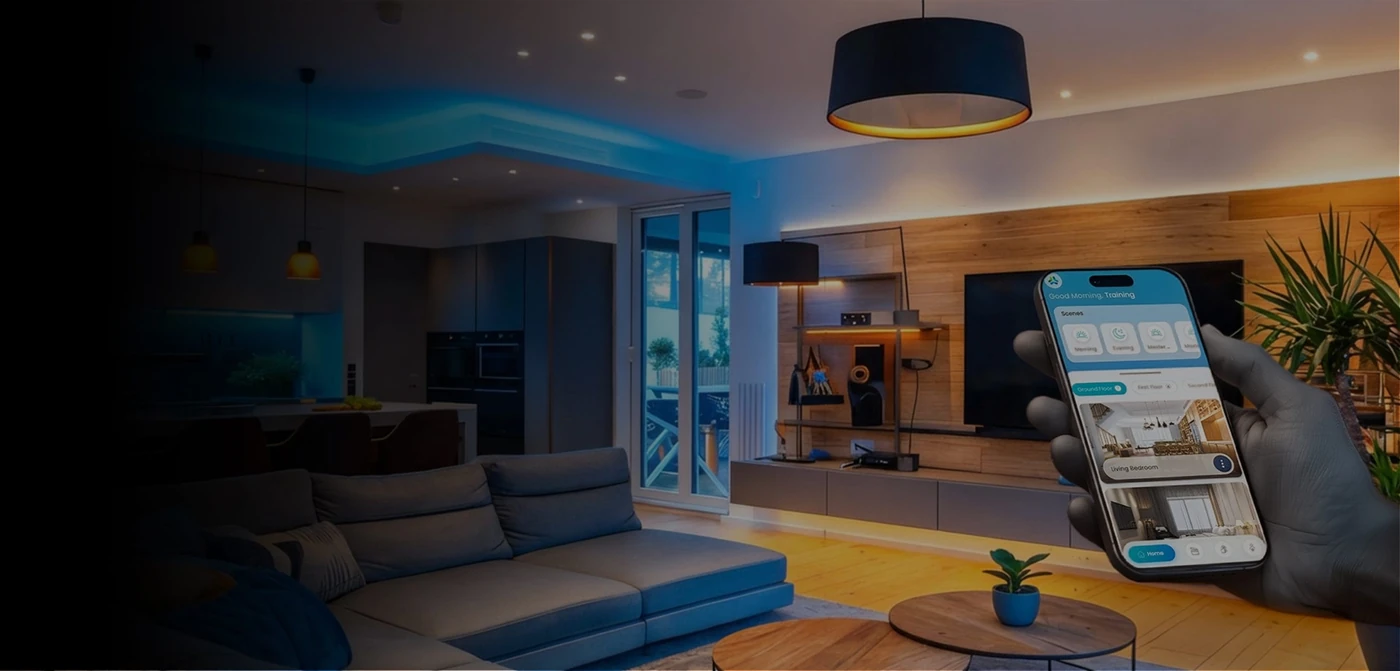
A scene is a saved combination of actions, such as setting selected lights and curtains for a particular moment. Its value comes from removing repeated effort. If a scene does too much, behaves unexpectedly or has a confusing name, people may stop using it. Start with a small set that reflects how your household actually lives.
Scenes, schedules and overrides at a glance
| Decision | What to confirm |
|---|---|
| Scene | A named combination of selected actions. |
| Schedule | A time-based instruction to run an action or scene. |
| Trigger | A condition that starts an action; confirm supported behaviour. |
| Override | A straightforward way for a person to change or pause the result. |
Use names that describe an intention
Arrival, Dinner and Goodnight are easier to recognise than numbered presets or equipment names. Write a short description of each scene before programming it. Include the rooms affected, what changes and what must remain untouched. This gives the installer and household a shared reference when the settings are reviewed.
Think about everyone in the home
One person's bedtime may be another person's working hour. A Goodnight scene should not unexpectedly switch off a study or interrupt someone using another room. Consider visitors and household staff as well as the primary users. Keep essential functions easy to reach from sensible physical control points.

Separate scenes from schedules
A scene defines an outcome; a schedule or trigger decides when it happens. Start by testing a scene manually, then decide whether a schedule genuinely helps. Ask how automatic actions can be paused for holidays, guests or a changed routine. Confirm the behaviour of the selected system when power or connectivity returns after an interruption.
Illustrative reference image; not an AHL installation.
Leave space for adjustment
Live with the initial settings before adding more complexity. Note which scenes are used and which need a simpler name or a different light level. During handover, ask for a record of the settings and an explanation of what you can adjust yourself. A successful smart home should become easier to use as its settings are refined from your feedback, not harder to understand.
Explore everyday controls and scene ideas at the SmartNode Experience Center in Pune before agreeing your automation brief.